
A single identity for all CIGRE online platforms: eCIGRE, ELECTRA, Paris Session 2026
Important note
This page is primarily intended for National Committees.
This page may be updated as the system evolves. Any significant changes will be communicated to National Committees and Members accordingly.
Summary
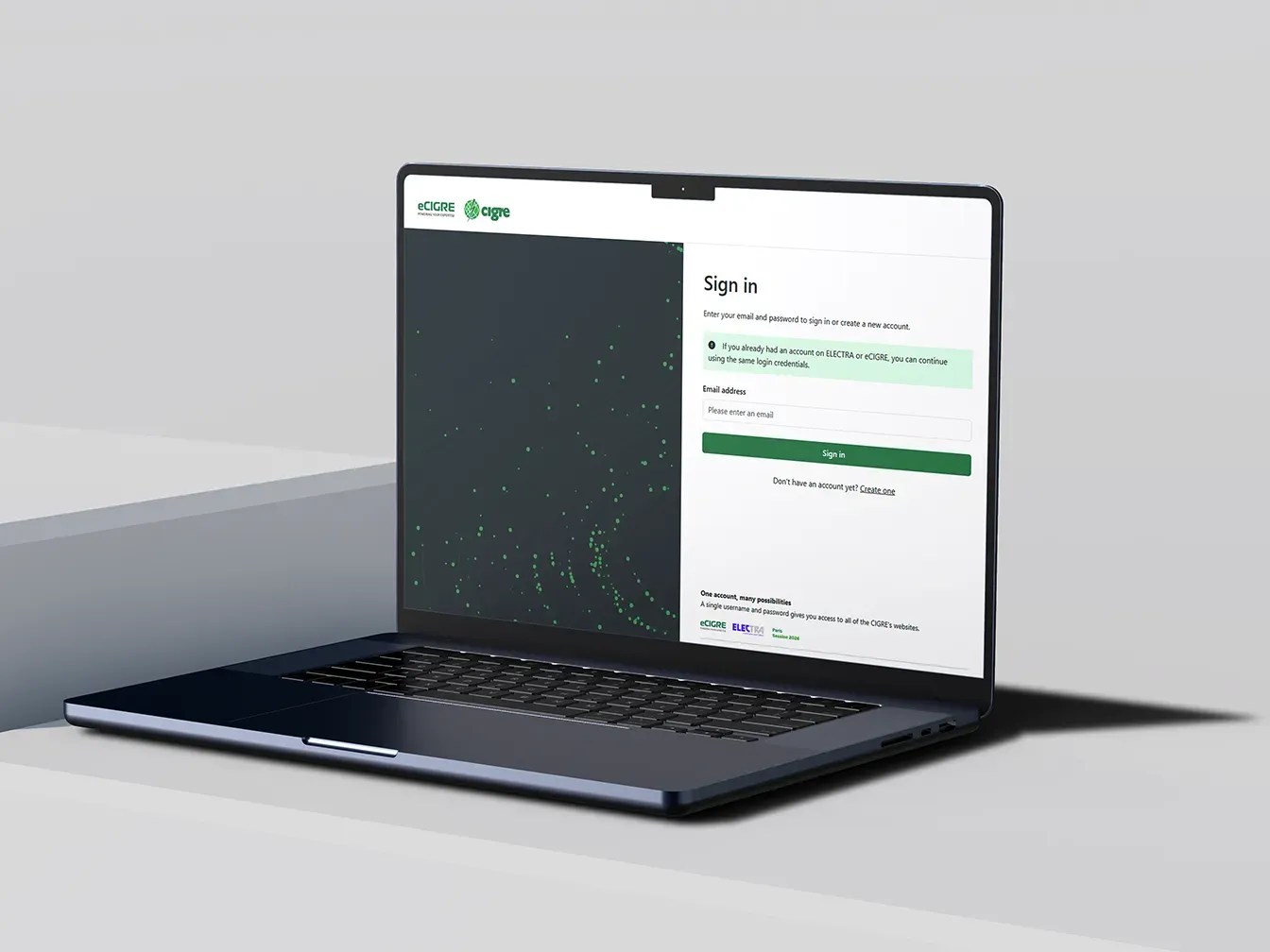
- CIGRE Connect becomes the single identity for eCIGRE, ELECTRA and Session registrations.
- The email registered in the NCDB becomes the reference identifier.
- The role of the National Committee (NC) is central to correcting emails at the source (NCDB).
- Issues will arise almost exclusively from multiple or outdated email addresses.
What is actually changing with CIGRE Connect
One account, one identity
-
A unique login for eCIGRE, ELECTRA and Session registrations: the email identical to the one registered in the NCDB.
End of manual entry of the individual membership number
- On eCIGRE/ELECTRA, the individual membership number can no longer be entered manually.
- Identification relies solely on the email address.
Membership status recognition on eCIGRE/ELECTRA/Session registrations comes from the NCDB
-
The email provided during membership registration with the NC becomes the official identifier → It is the NCDB email that determines rights recognition.
For eCIGRE and ELECTRA: Centralized profile management
- Any public profile update on eCIGRE and ELECTRA must now be done through eCIGRE (profession, address, gender, etc.). A redirect button to the eCIGRE profile is visible on ELECTRA. Users don't need to update their profile on eCIGRE and on ELECTRA anymore.
- For Session registrations, users can update their profile in their Delegate account.
What is not changing
- Access rules linked to membership status.
- Rules established on eCIGRE/ELECTRA for collective accounts CM1A and CM1B (admin roles, quotas of accounts attached to a membership number, etc.). Information still available here.
Types of issues encountered by members
The member is not recognized as a member
→ Check: NCDB email vs email used on eCIGRE/ELECTRA.
A user of a collective membership number no longer has access rights
→ Check: affiliation inside the collective account.
Detailed workflows by situation
1. Individual member with multiple email addresses
If the person created their account some time ago, they may have provided one email to the NC, then a different one on eCIGRE.
At the first login after the deployment of CIGRE Connect (mid-November), the member must choose between the two email addresses.
If the member chooses the eCIGRE email different from the NCDB one:
- the system updates the email in the NCDB,
- CIGRE rights are then linked to this new email.
Important: On eCIGRE/ELECTRA, only the NCDB email is authoritative for member recognition. This is why we update NCDB emails if the member chooses a different email for identification through CIGRE Connect.
2. New individual member without an eCIGRE/ELECTRA account
The member may create an eCIGRE account using the email address provided during their membership registration (i.e., the email identical to the NCDB one).
- It is no longer possible to manually enter an individual membership number.
- Identification relies solely on the email address.
3. Collective member with an eCIGRE/ELECTRA account
The NCDB contact email for a CM1 or CM2 may differ from the one used on eCIGRE.
Important note:
The administrator designated in the NCDB is automatically the administrator of the eCIGRE collective account.
Rules reminder here
It is the company’s responsibility to designate the administrator of its collective eCIGRE account.
- The eCIGRE administrator manages affiliations under “Manage my collective account.”
- They receive a notification for each new affiliation.
- They can affiliate / remove users.
4. Collective member without an eCIGRE/ELECTRA account
CIGRE cannot control all employees of a CM1 or CM2 organization.
- Each user may create their own eCIGRE/ELECTRA account.
- The collective membership number must be entered during registration.
- The administrator of the collective membership number on eCIGRE/ELECTRA receives a notification for each new affiliation and can delete affiliations.
Important note:
The administrator designated in the NCDB is automatically the administrator of the eCIGRE collective account.
Rules reminder here
5. Voluntary change of email address
The update must be done in the NCDB.
Procedure:
- The member contacts the NC to request modification of their NCDB email.
- The NC then requests the update in CIGRE Connect via the Central Office.
If a member contacts the Central Office directly via the eCIGRE contact form, the update is performed both in the NCDB and in CIGRE Connect.